You Don't Need More AI Tools
You Need Clarity About Roles
A couple of weeks ago, I talked about the real challenge qualified professionals face when going solo: the context-switching tax. You know what good looks like across every business function. The problem is you're the sole decision-maker and the only person executing across all of them.
Sales. Marketing. Operations. Finance. You wear every hat. And every time you switch hats, you lose time reorienting yourself to what's already been done and what comes next.
Several people reached out asking the same question in different forms: "Which AI tools should I use?"
That's the right instinct. Wrong question.
The Problem Hidden in the Question
When someone asks "which AI tool should I use," what they're really saying is: "I know I need help. I've heard AI is the answer. What do I buy?"
And I get it. If you're going to run a one-person firm, you need leverage. And isn't AI supposedly capable of replacing entire roles now?
But here's what I've noticed from talking to dozens of solo consultants over the past few months: understanding your own business is one challenge. Understanding which AI tools actually matter is an entirely different problem.
Most of these tools don't run your business. They simply give you a place to do the work. And someone still has to operate the system.
And that someone is YOU.
Monday: "I'll set up the CRM this week."
Friday: You've researched four more CRMs. Still using the spreadsheet.
This is the trap. You can spend infinite time evaluating tools in isolation—reading reviews, watching demos, comparing pricing tiers—and still have no clarity about what you actually need.
What You Really Need
Here's the underlying issue: the real problem can't be solved by picking the best tools.
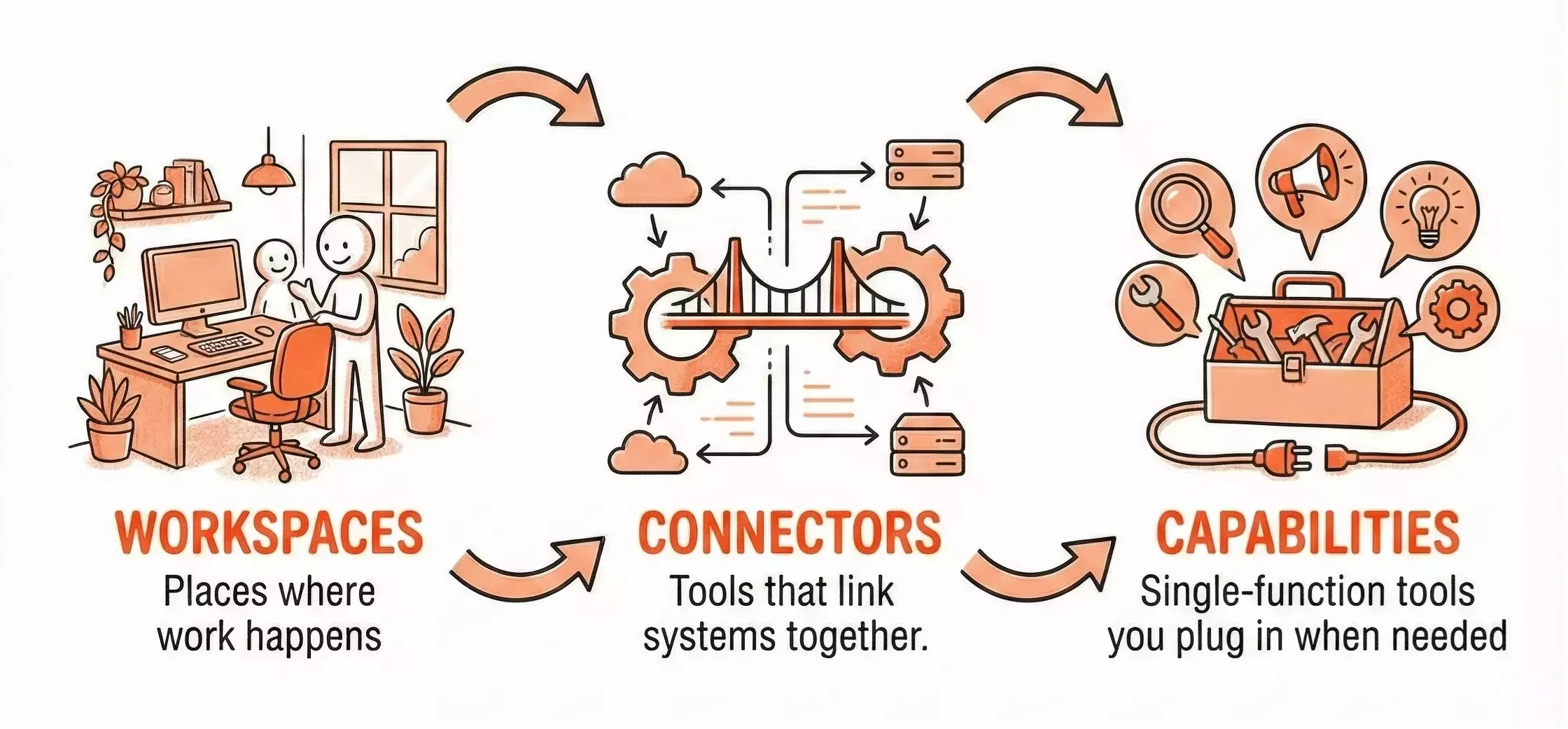
The underlying issue can only be solved by rebuilding a sense of structure. That's why I created the AI Tools Map.
Not because you can't find hundreds of other AI tool lists on the internet—you absolutely can.
But because the purpose of this one is different.
This isn't a recommendation list, a ranking, or a "best tools" roundup. Think of it less like a list of tools, and more like a MAP.
The Framework: Three Categories That Actually Matter
Every AI tool falls into one of three categories. Understanding the distinction changes everything about how you evaluate them.
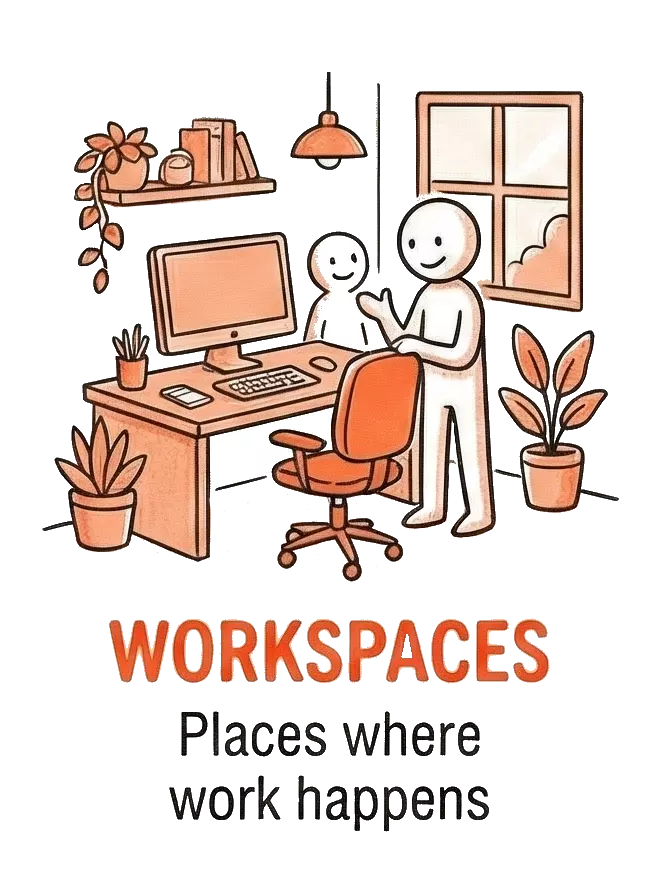
1. WORKSPACES
What they are: Places where work happens
Workspaces are your operational home base. Your CRM isn't an AI tool—it's where your sales process lives. Your project management system isn't automation—it's where your delivery workflow exists.
Examples: Notion, Airtable, HubSpot, Monday.com, your inbox
The trap: Switching workspaces constantly, looking for the "perfect" one, instead of stabilizing your process in whatever you already have.
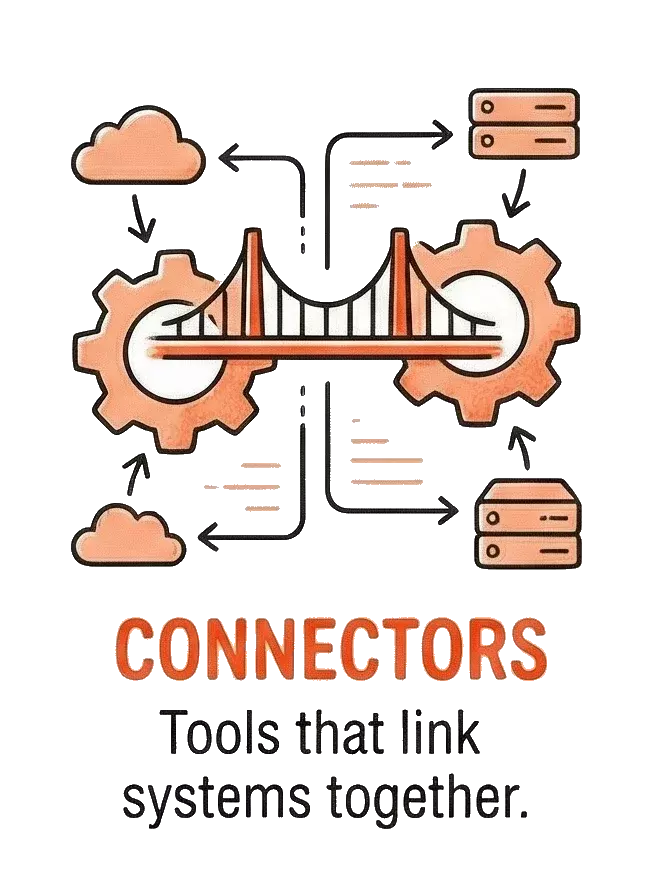
2. CONNECTORS
What they are: Tools that link systems together
Connectors don't do the work. They don't store the work. They make sure the work flows between systems without you manually copying and pasting.
Examples: Zapier, Make, API integrations, data pipelines
The trap: Building complex automations before your core process is even stable. You can't automate chaos.
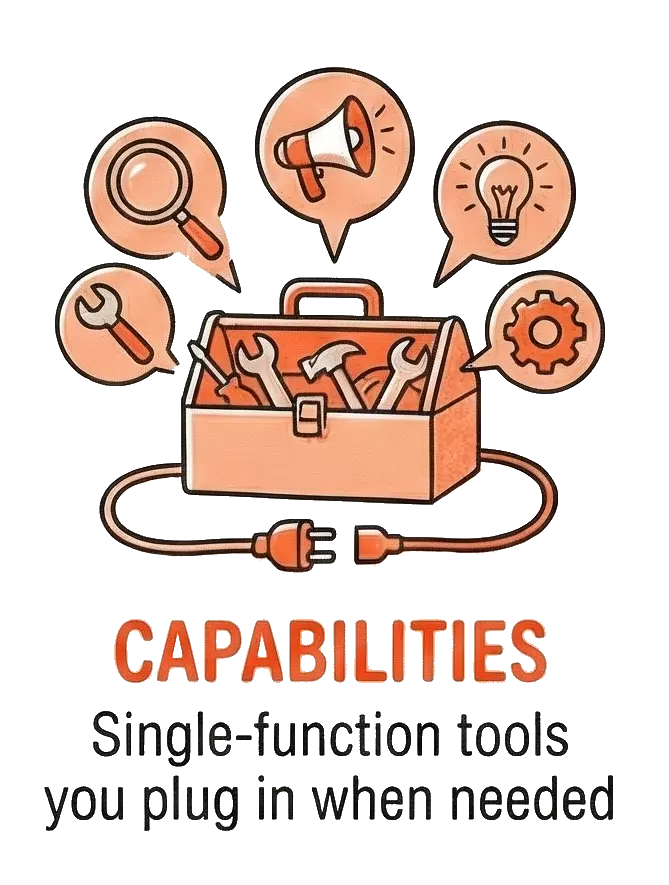
3. CAPABILITIES
What they are: Single-function tools you plug in when needed
These are the actual AI tools everyone talks about. They do one thing well: generate text, transcribe audio, create images, analyze data, summarize documents.
Examples: ChatGPT, Claude, Midjourney, Otter.ai, Grammarly
The trap: Collecting capabilities without knowing which role they're supporting or which workspace they feed into.
Why This Distinction Matters
Most people approach AI tools backwards. They start with capabilities—"I should use ChatGPT for something"—without first stabilizing their workspace or understanding how it connects to anything else.
That's like buying a power drill before you know what you're building.
The right sequence is:
The Stabilization Sequence
1. Pick ONE workspace per role
Where does your sales process live? Where does your content pipeline live? Stop tool-hopping. Commit.
2. Build connectors only when you have stable endpoints
Don't automate a broken process. Get the workflow right manually first.
3. Add capabilities strategically
Now—and only now—does it make sense to ask "which AI tool helps with this specific step?"
How to Actually Use the Map
The AI Tools Map isn't designed to be read once and forgotten. It's a reference you come back to whenever you're feeling decision fatigue around tools.
Here's how to approach it:
When you're overwhelmed by options: Identify which category you're actually trying to solve for. Are you looking for a workspace, a connector, or a capability? That eliminates 66% of the noise immediately.
When you're context-switching constantly: Audit your current setup. Do you have too many workspaces? Are you manually doing work that should be connected? The map helps you see the gaps.
When someone recommends a "must-have" tool: Ask yourself: which category is this? Do I already have something serving this function? If yes, is the switching cost worth it?
The map is shaped by one idea:
You don't need more tools. You need clarity about roles.
Once you can see the landscape clearly, you stop asking, "Which tool is best?"
And you start asking, "What role am I trying to stabilize right now?"
A Living Resource
If you're a solopreneur who knows what good looks like—but feels stretched trying to recreate an entire firm on your own—this is worth spending time with.
Not as something you read once and move on from, but as a reference you can come back to.
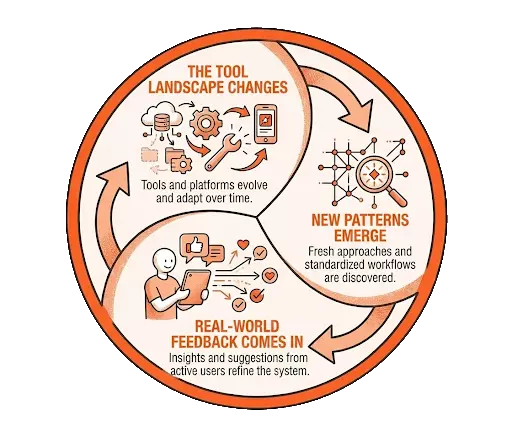
This map is intentionally living. It will keep evolving as:
The map evolves as:
• The tool landscape changes
• New patterns emerge from actual usage
• Real-world feedback comes in from people using it
So as your business changes, and as your needs shift, this map grows with you.
Not to lock you into decisions—but to give you a stable place to re-orient whenever things start to feel noisy again.
If you see gaps, better examples, or patterns I've missed, I want to hear about them. This map gets better when it reflects how people are actually working.
📥 Access the AI Tools Map
This isn't a list of tools. It's a map to help you understand what kind of solution you actually need—clarity before you buy anything.
View the Map💬 What role are you trying to stabilize right now?
Reply or leave a comment. I read them.